
TUFF
The local AI app built for the Mac. A native chat app and local API, with its own Swift and Metal engine that runs models far bigger than your Mac's memory.
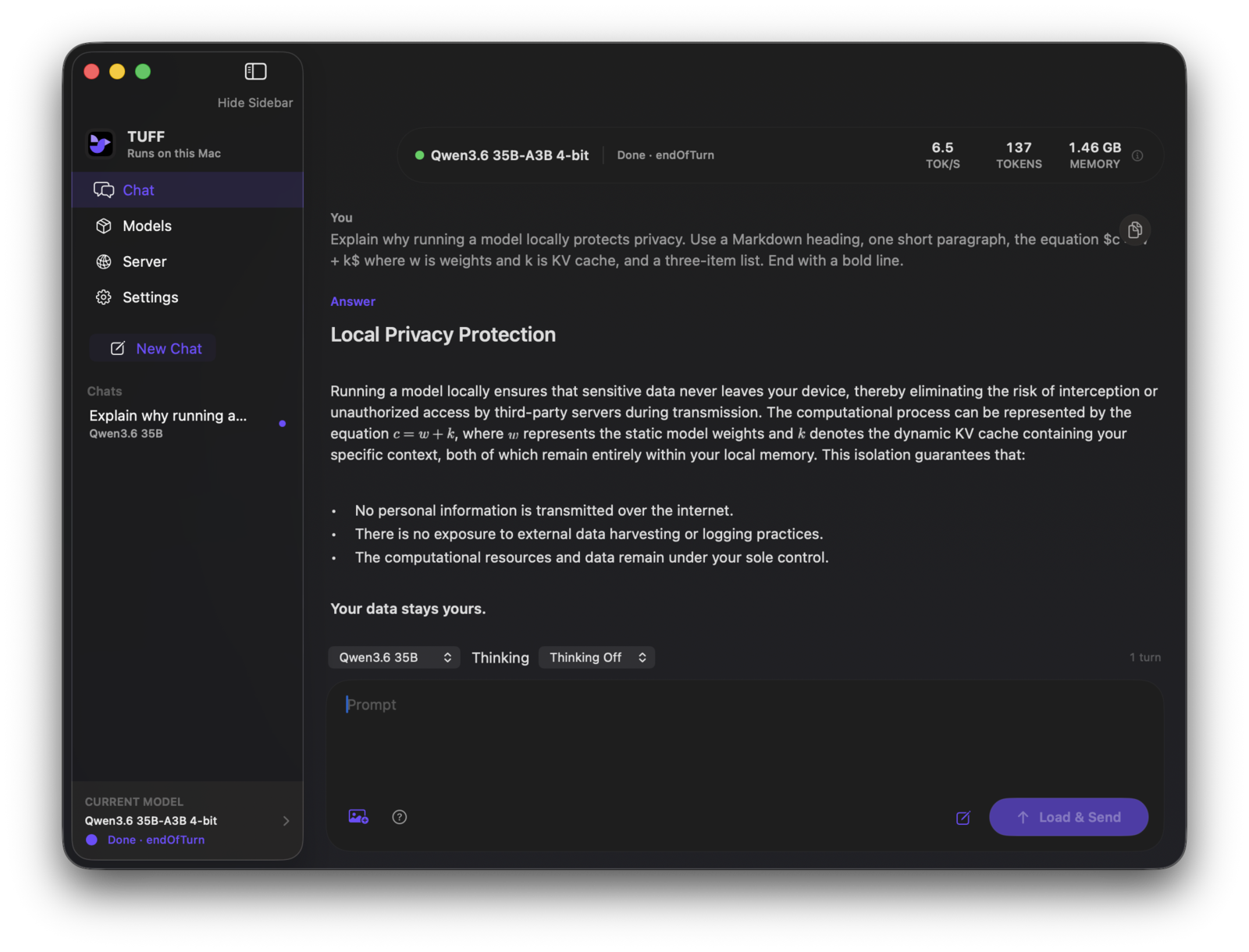
A 111 GB model on a 16 GB MacBook Air
TUFF keeps a mixture-of-experts model's experts on the SSD and reads only the few each token needs, so Qwen3.8 Flash Next, GPT-OSS 120B and MiniMax M2.7 run on a 16 GB MacBook Air. The biggest ones are slow there, about 1.7 tokens a second for Flash Next. Smaller models are quick, and Macs with more memory do better. See the benchmarks.
What's in it
Chat with sources
Turn on Web or Files and the model searches the web or folders you pick, with numbered sources. Both are off until you want them.
Benchmarks
Measure any installed model on your Mac and share it on the leaderboard in a couple of clicks.
Picks up where you left off
Going back to a recent chat continues from the model's saved state instead of reading the whole conversation again.
A local API
The Background API serves your models to agents and other apps over an OpenAI-compatible endpoint, even with TUFF closed.
Install with Homebrew
brew tap rexmhall09/tuff https://github.com/rexmhall09/TUFF.git
brew install --cask rexmhall09/tuff/tuff
That installs the app and the tuff command. TUFF isn't
notarized, so the first time, Control-click it and choose Open.
Help out
Running the benchmark on your Mac and sharing it helps the most. Contributing · Discussions